
Free AI furniture visualizer
See furniture from any store
in your room
Paste a link or a picture, add your room photo. Real size, so you see if it fits. No sign-up.
Links from


 +3or a photo
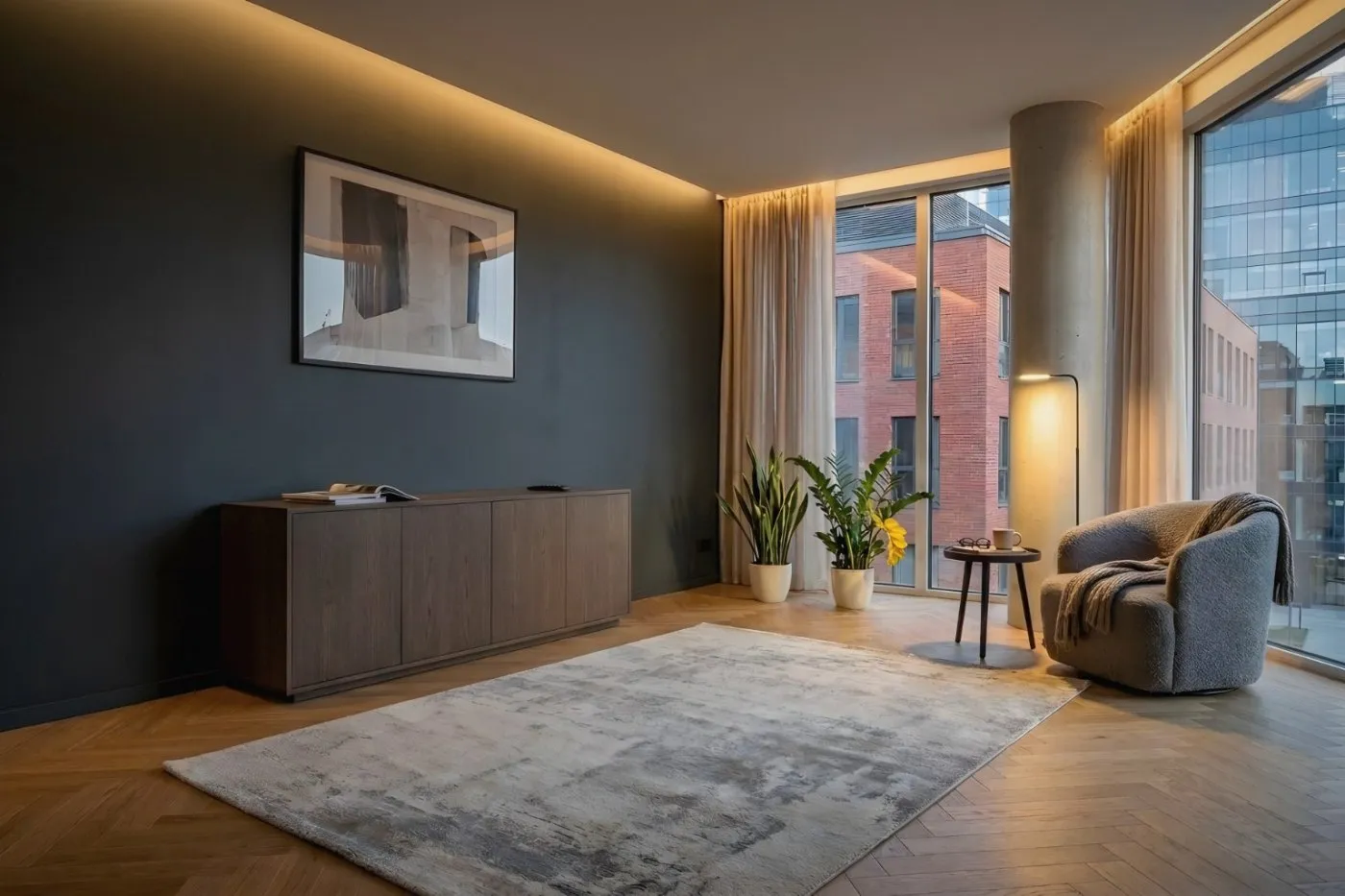
Put furniture in your room with one button
Not sure what goes with what?
Keep the room exactly as it is and try the piece you are missing — chairs for your table, a nightstand for the bed, a rug under the sofa. You see at once what goes together.
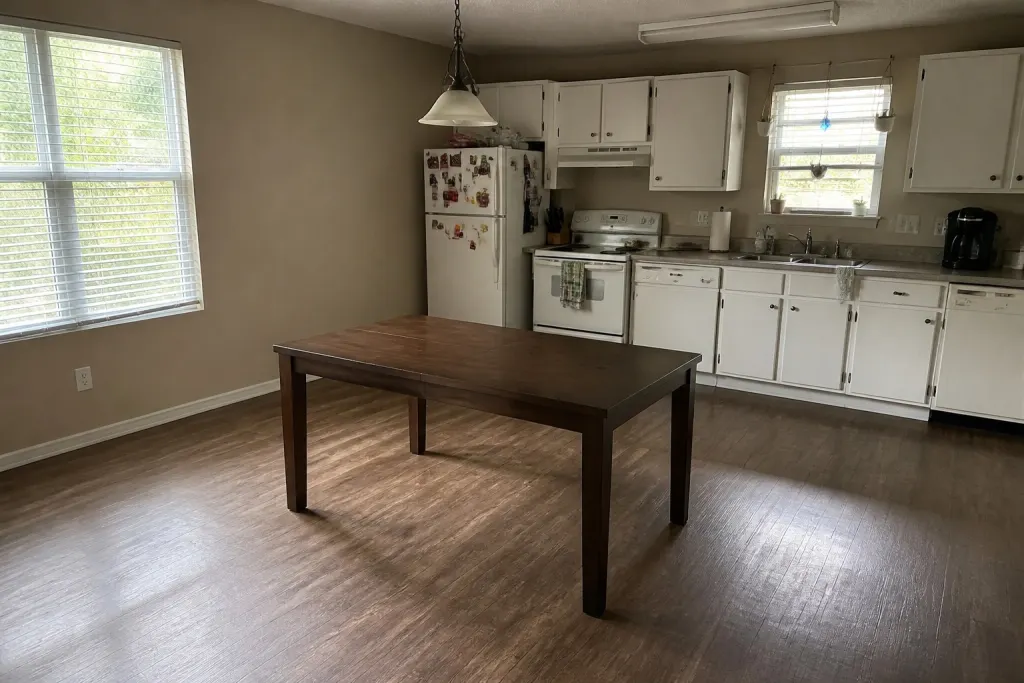
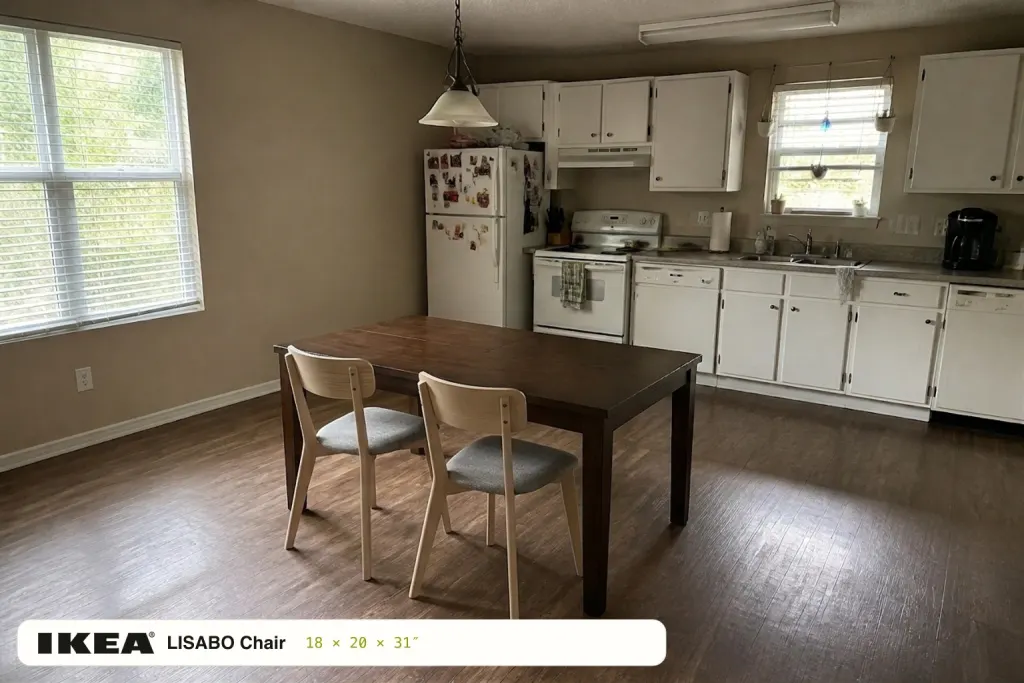
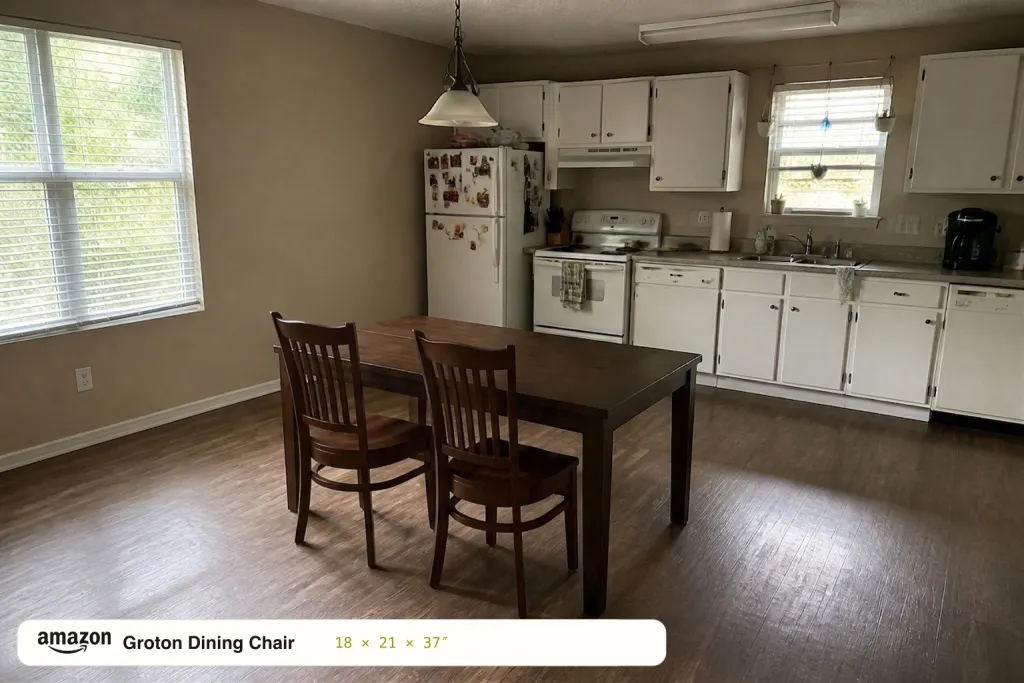
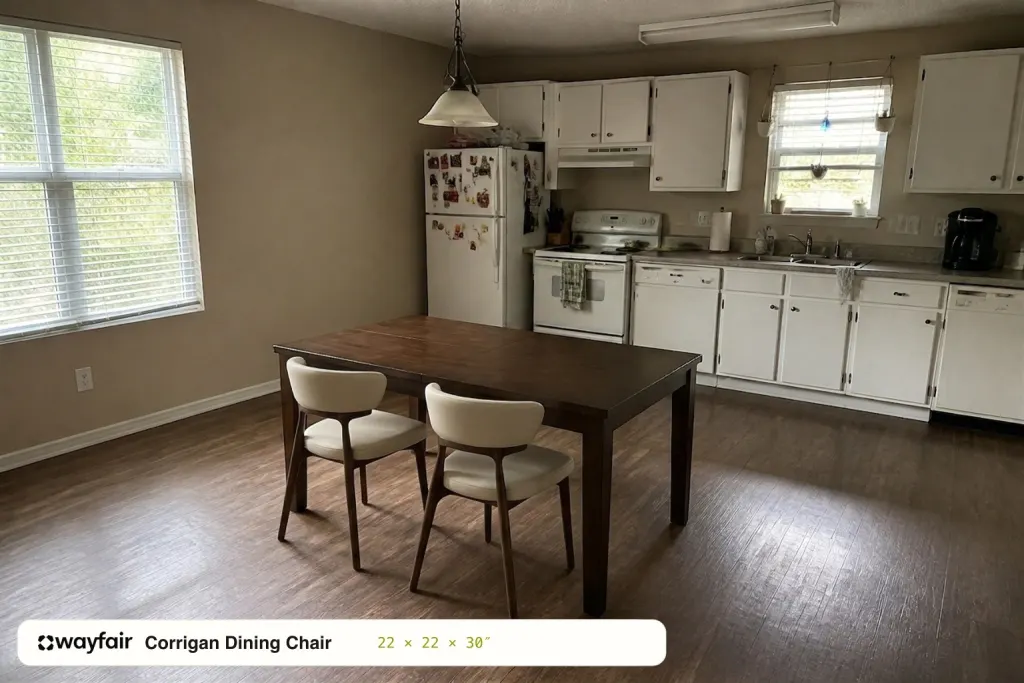 Which chairs go here?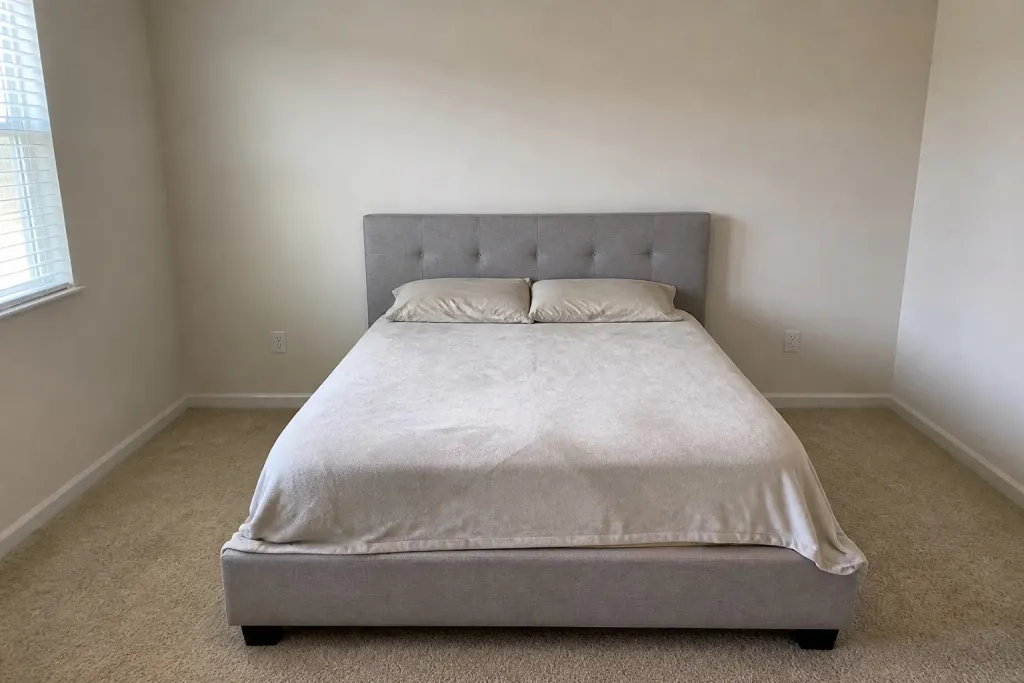
How it works
Paste a product link
Drop in a link from Amazon, IKEA or almost any store — the name, photos and real dimensions load automatically. No link? Upload a product photo instead.
Add a photo of your room
Snap your room as it is or keep the demo room. Tap the floor where the item should stand and, if you like, say how you want it placed.
See it in your space
Get a visual preview of the item in your room with matching light and perspective. Share the link and decide together. Check dimensions before buying.
FAQ
How is this different from AR apps?
AR apps show generic 3D models from their own catalog and make you walk around with a camera. Roomephant works with the exact product you want to buy — from a single photo of your room.
How accurate is the scale?
Scale is approximate. The model uses the photos and listed dimensions as context, but the preview is not a measurement. Check the available space before buying.
Is my room photo uploaded anywhere?
It is sent to the selected AI provider to generate your preview, but it is not made public on our site. Only a preview page you choose to share becomes public, and it expires after thirty days.
Is it free?
Yes. No signup, no credit card — paste a link and try it.